INTRODUCING THE DIGITALSO HR APP
Your people.
Now in your pocket.
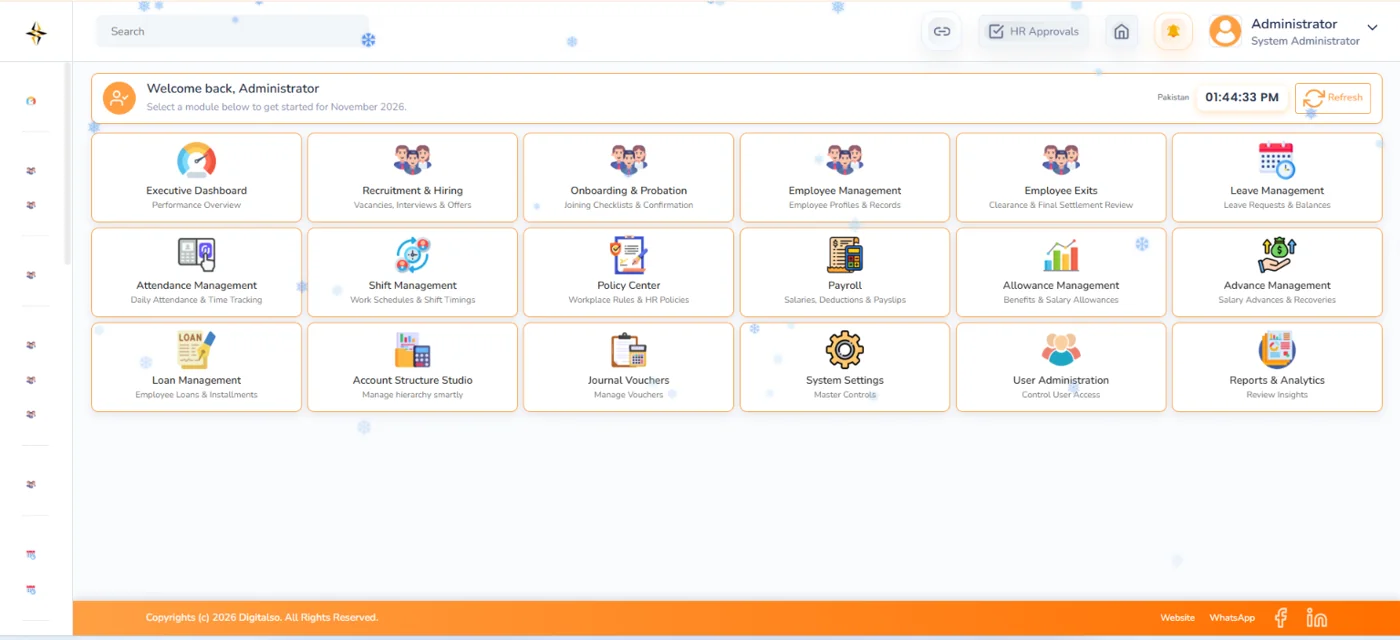
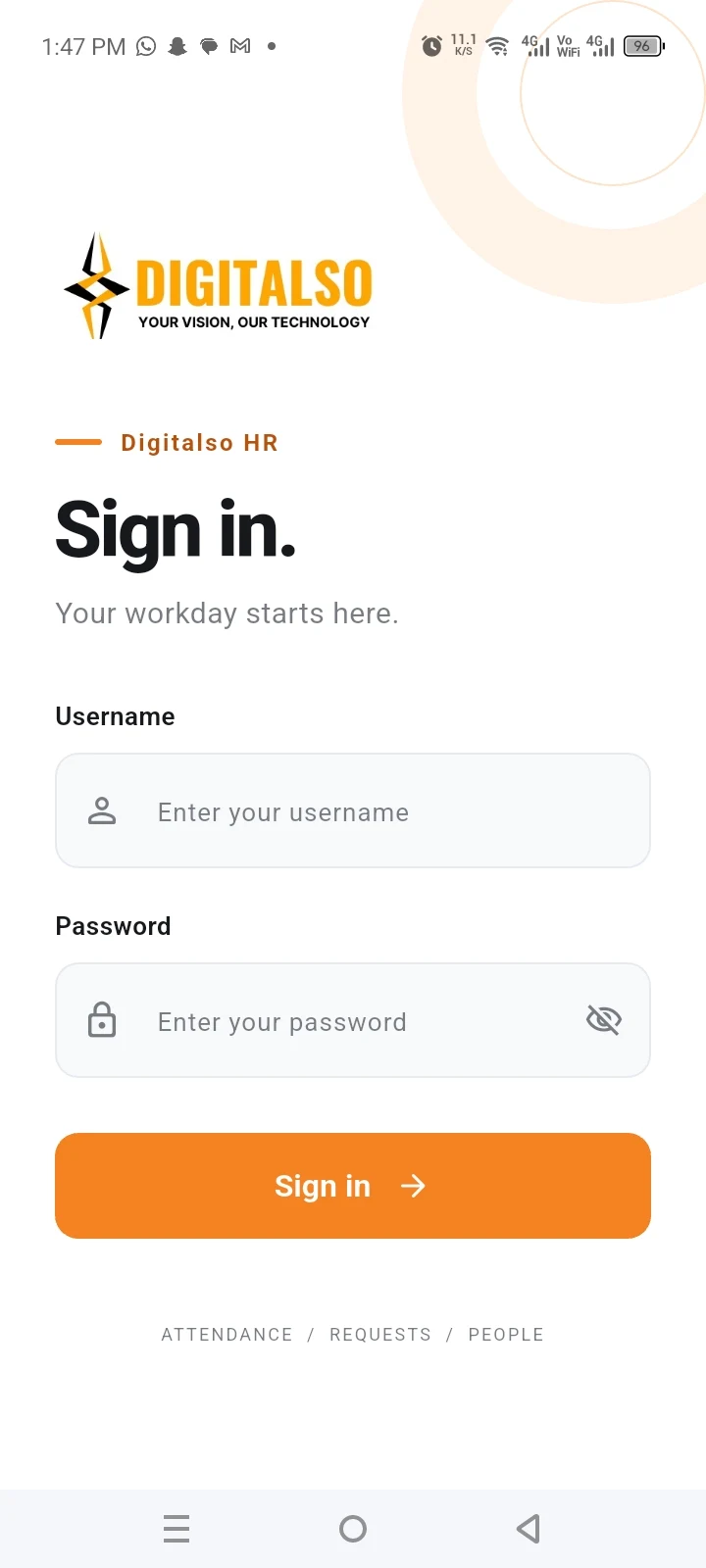
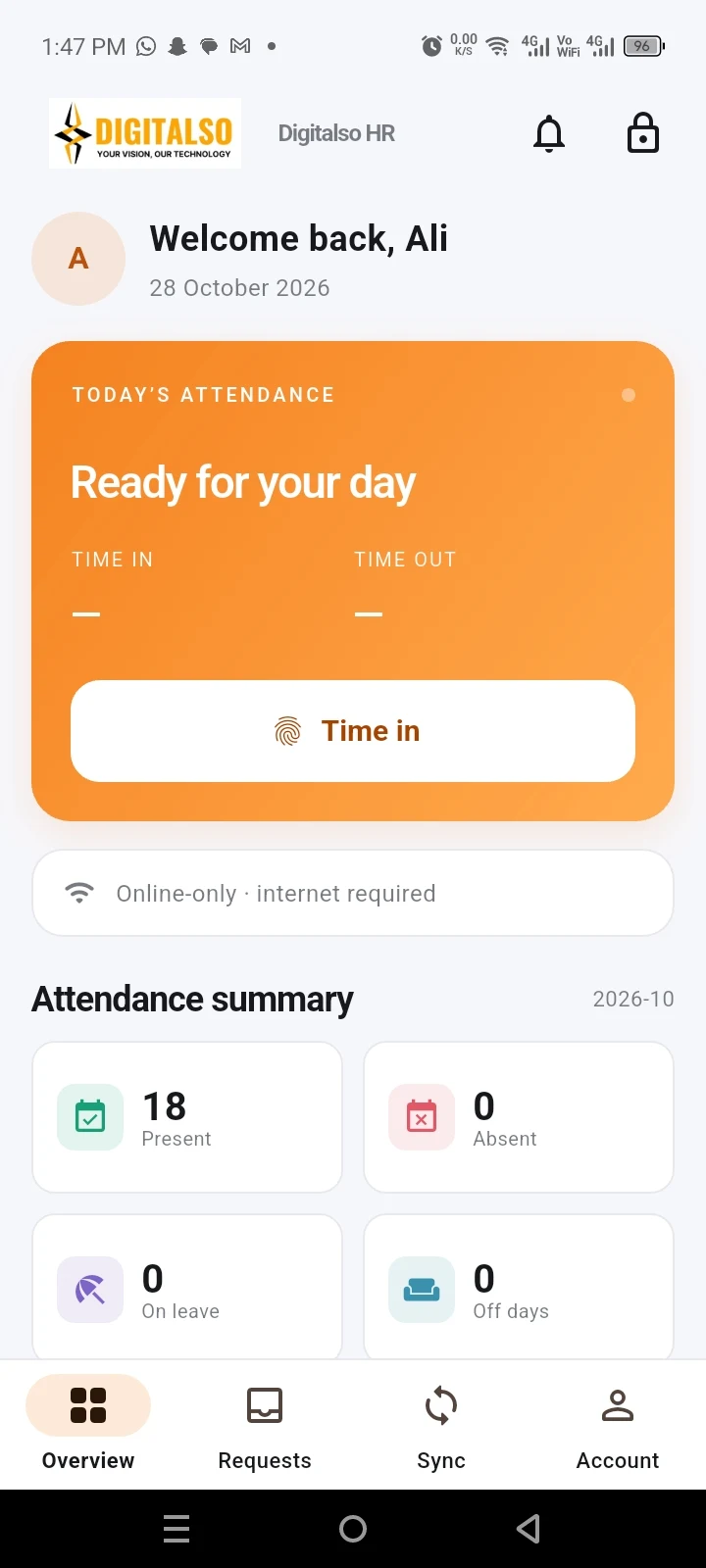
Your HR App and ERP, connected.

SOFTWARE. WEBSITES. POSSIBILITIES.
From the first sale to the next big milestone.
Bring your people, processes and ideas together with Digitalso.
50+ clients. One technology partner.Built around your business. Based in Karachi.
INTRODUCING THE DIGITALSO HR APP
Your HR App and ERP, connected.
DIGITALSO POINT OF SALE
Connect your counter, inventory and sales.
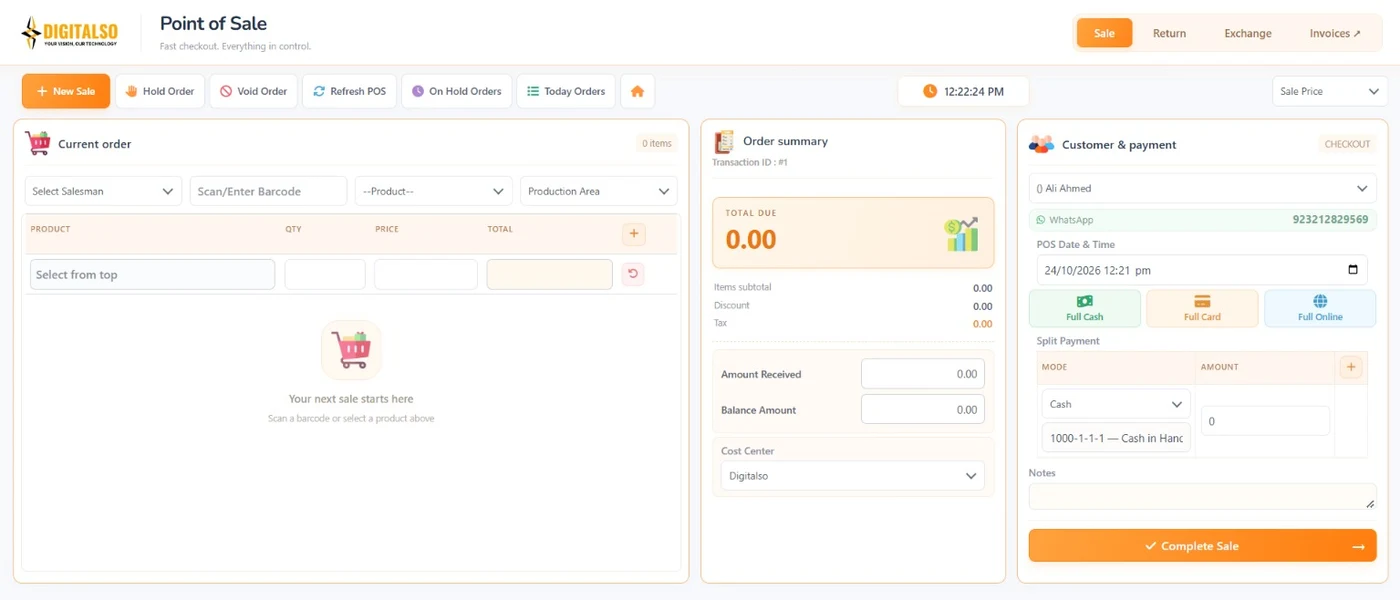
Real software. A clearer workflow.
DIGITALSO DIGITAL INVOICING
Bring invoicing into one digital workspace.
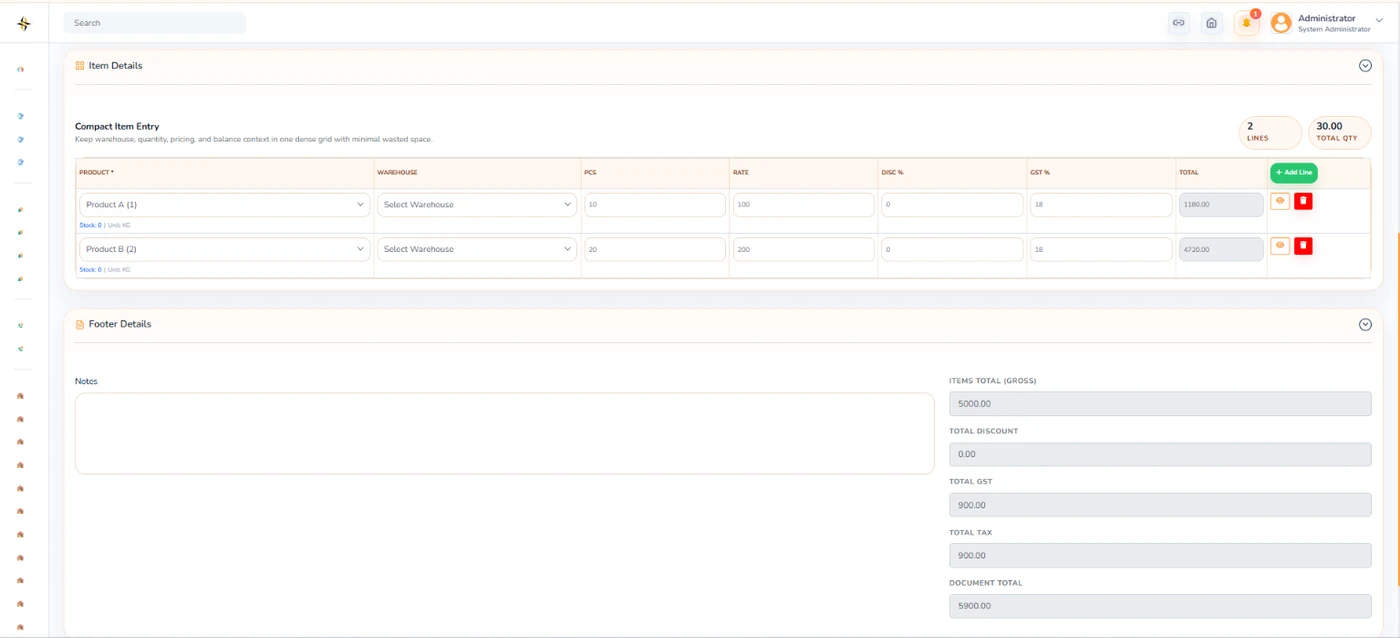
Real software. A clearer workflow.
01 / SOFTWARE THAT GETS YOUR BUSINESS
One business has many moving parts. Find the right software for the work that matters to yours.
 DIGITALSO / 01
Smarter billing. Better control of everyday sales.
Explore solution ↗ DIGITALSO / 02
Organized HR operations. Connected employees.
Explore solution ↗ DIGITALSO / 03
Connect your production floor to your sales operations.
Explore solution ↗ DIGITALSO / 04
Give every lead a clear next step.
Explore solution ↗ DIGITALSO / 05
Bring your courses and learners together.
Explore solution ↗ DIGITALSO / 06
Software built around the way your business works.
Explore solution ↗ DIGITALSO / 07
A professional digital presence for your business.
Explore solution ↗ DIGITALSO / 08
Manage invoice submission and track its status.
Explore solution ↗ DIGITALSO / 09
Bring your trading and financial records together.
Explore solution ↗Business-use scenes are AI-created illustrations. Software screenshots below show actual Digitalso interfaces.
LOOK BEYOND THE HEADLINES
Explore capabilities from the actual solution catalogue. Your implementation and configuration are agreed around your requirements.
Maintain personal, employment and document details.
Organize your workforce by role and department.
Manage attendance records, shifts and attendance corrections.
Handle leave requests, balances and approvals.
Calculate salaries with applicable allowances and deductions.
Manage employee requests, approvals and repayment records.
Create sales using barcode scanning and product search.
Apply item-level and invoice-level discounts.
Maintain customer details and purchase records.
Record payments and generate customer receipts.
Manage returned and exchanged products.
Track stock movements linked to sales and returns.
Define raw materials, finished products and units.
Specify required materials and production quantities.
Plan output quantities and production schedules.
Organize machines, production lines and work areas.
Assign production work to the relevant teams and workstations.
Record materials requested and issued to production.
Capture, organize and maintain business enquiries.
Import existing lead records into your CRM.
Assign and transfer leads between team members.
Track opportunities through defined sales stages.
Schedule follow-ups and record their outcomes.
Maintain records of calls, meetings and customer interactions.
Create and organize courses and learning content.
Manage student registrations and course enrolments.
Organize resources within the relevant courses.
Evaluate learner understanding through quizzes.
Organize assignments and learner submissions.
Monitor learner progress across courses.
Maintain the invoice information required for submission.
Submit invoices through configured FBR connectivity.
Send selected invoices for processing.
Process multiple invoices through the available bulk workflow.
Review whether invoices are submitted, pending or unsuccessful.
View FBR responses and submission errors.
02 / TAKE A LOOK INSIDE
Real Digitalso screens. Explore the products, then let us walk you through your workflow.
Attendance, leave and payroll. One connected workflow.
Explore HRMS + HR App ↗ACTUAL PRODUCT INTERFACEBilling, returns and inventory, working together.
Explore Point of Sale ↗ACTUAL PRODUCT INTERFACEFrom raw materials to finished goods.
Explore Manufacturing ERP ↗ACTUAL PRODUCT INTERFACEA clearer view of leads, follow-ups and customers.
Explore CRM ↗ACTUAL PRODUCT INTERFACEOrganize courses, learners and progress.
Explore Learning Management ↗ACTUAL PRODUCT INTERFACEPrepare, submit and track your invoice workflow.
Explore FBR Digital Invoicing ↗ACTUAL PRODUCT INTERFACEChoose a product. See what’s possible.
BUSINESS IN MOTION / ILLUSTRATIVE SCENE03 / BUILT AROUND REAL WORK
A faster checkout. A clearer HR request. A production job everyone can follow. We build around those everyday moments.
Start with the way your team works, then shape the right system.
Agree on modules, integrations and deliverables before the build.
Plan new capabilities as your business requirements grow.
THE PARTNER BEHIND YOUR NEXT CHAPTER
Software is only part of the decision. You also need a clear conversation, a practical scope and a team that understands the work.
YOUR BUSINESS COMES FIRSTUnderstand the work.
Build what matters.
Sales, people, production or learning: the conversation starts with the process your team needs to improve.
Explore actual interfaces and request a focused walkthrough before deciding on the next step.
Modules, configuration, integrations and deliverables are discussed and agreed around your requirements.
Explore business software, websites and tailored development with the same technology team.
MORE WAYS TO MOVE FORWARD
From a learning space to your next digital experience, explore the everyday work behind the software.
Explore the complete gallery ↗Websites & customized softwareSee the solution. Picture how it could fit your team.
Learning managementSee the solution. Picture how it could fit your team.
AI-created illustrative business scenes. Actual product interfaces are available in the software gallery.
05 / FROM IDEA TO EVERYDAY IMPACT
Your business. Your bottlenecks. Your goals.
The right solution and a clearly agreed scope.
Configure, develop and review your workflows.
Put it to work. Plan your next improvements.
06 / BEFORE YOUR NEXT MOVE
Something specific in mind? Let’s talk it through.
Ask us on WhatsApp ↗Share your workflow with us and we will help you identify a suitable solution and scope.
Yes. Request a demo and tell us which solution interests you. Our team will coordinate a suitable time.
Yes. Our customized software service starts with requirements and workflow analysis.
Yes. We develop responsive business websites, catalogues and eCommerce solutions within an agreed scope.
Send us your requirements. We will discuss the scope before preparing a proposal.
YOUR VISION, OUR TECHNOLOGY
One conversation. A world of possibilities.
KARACHI, PAKISTAN / BUILT FOR YOUR NEXT MOVE